The seventy-character scrap
No title. No tags. No decisions. A thought survives because
catching it takes seconds. Start a line with - and
it becomes a todo on its own.
 Folium
Try free
Folium
Try free
Folium is a personal knowledge app for thinking on digital paper.
Catch a thought in a few words.
Make time for it in your week.
Turn it into a connected note when it matters.
Everything stays as plain Markdown on your device.
- No account.
- No tracking.
- No subscription.
macOS · Windows · Linux · iOS · Android
$29.90 once, yours forever. 30-day refund.
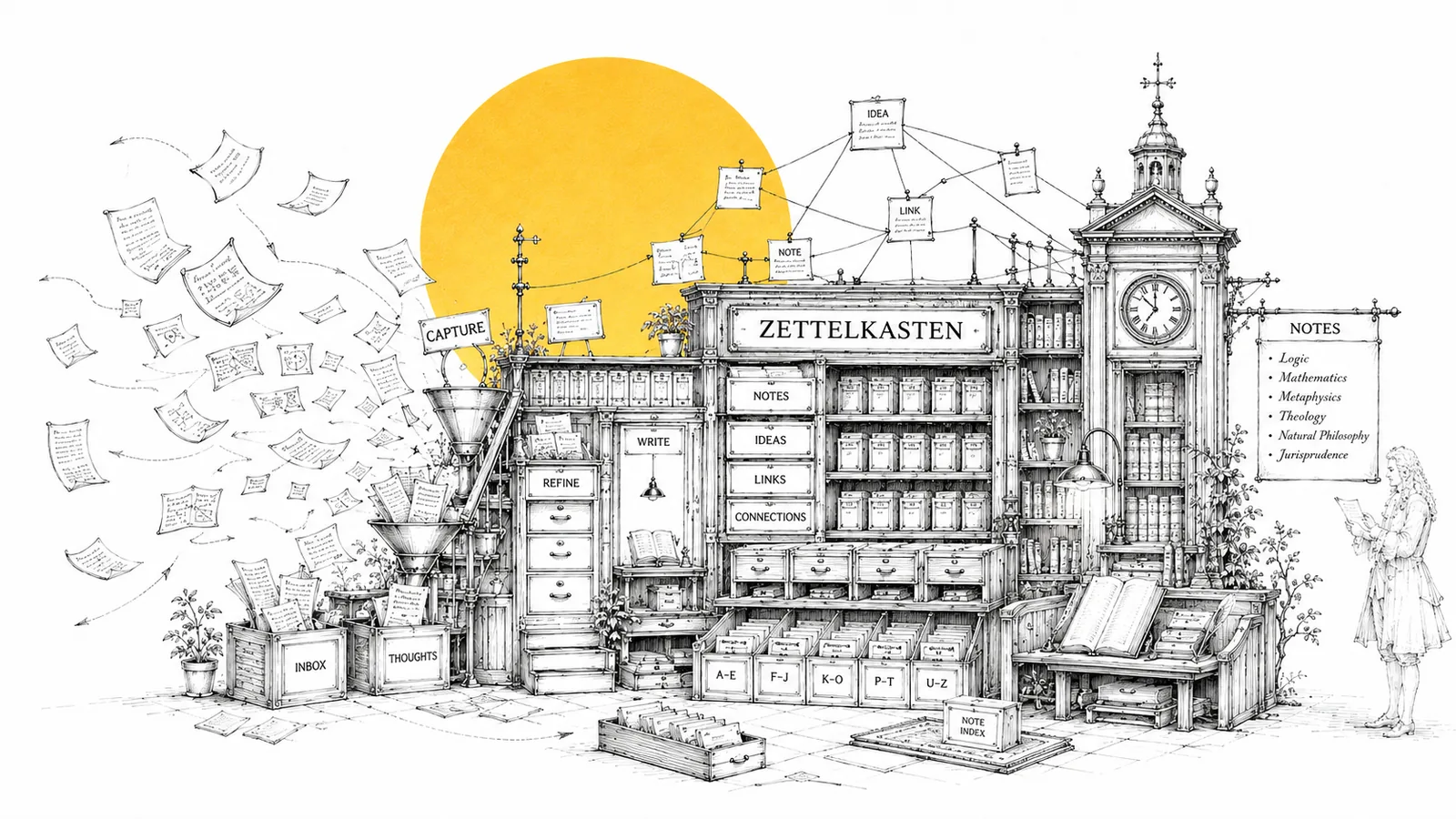
On your desk. In a drawer. On a scrap of paper from the bus.
Folium gives them one place to live, without turning your thoughts into a database.
An editor that disappears when you need it to.
Markdown reads like a page while you write. The syntax appears only where you’re working. Select text, and the tools you need appear. Enter Zen Mode, and everything fades away except the card.
You keep the ideas.
Folium keeps them safe, connected, and easy to find when they matter again.
A scrap to catch, a card to understand, a flashcard to remember, a sheet to think.
No title. No tags. No decisions. A thought survives because
catching it takes seconds. Start a line with - and
it becomes a todo on its own.
A calm editor with live preview and Zen Mode. At 900 characters, a gentle nudge: this might be two ideas. Split it. Link it. Move on.
190 characters a side. Always attached to the Quarto it came from. Review shuffles a deck and lets you flip through. No algorithms. No streaks. No guilt.
Some thinking isn’t prose. A Folio is a big Excalidraw sheet. It embeds, editable, inside any card. It also holds cards as blocks on the canvas.
A bullet journal where the bullets are your minimos.
The scrap you caught on the bus becomes Tuesday’s 30-minute block. Undated scraps wait in the inbox. Drop one on the week, or tap on the phone. It snaps to the 15-minute grid, 05:00 to midnight.
A todo scrap’s bullets live inside its block. Check it off in the planner, and it’s checked on the wall. And back again. Effort points and importance colors, if you plan that way.
“Clear before this week” sweeps stale scraps to the trash. Every week is one plain JSON file. Your plans age as files, not as rows in someone else’s database.
Keep only what’s necessary. Outsource the rest.
A Quarto holds one developed idea, and the editor guards that. At 700 characters a quiet hint appears: consider splitting this. 900 is the cap. Every card stays a single, linkable thought.
Open a card and Folium lifts the heavy bits out for you. Long code blocks with one-click copy. Quotes. External links. The card stays clean. The payload is one glance away.
Every card shows its references and backlinks. The Sources view sketches the one-hop neighborhood as a small hand-drawn map. “Worth a look” suggests cards that share a tag but aren’t linked yet. Broken links are surfaced, never fatal.
The thought doesn’t wait for you to open the app.
An always-on-top window that appears from anywhere. Save the scrap. It stays open for the next thought.
A tiny frameless window: the clock, today’s time blocks, today’s scraps. No app-opening required.
The phone does what phones are for. Minimo capture. Planner placement. Your cards and search, read-only.
No fine print. These hold on every device, from day one.
Your vault is a folder of plain Markdown files. Delete the app, keep everything. The search index rebuilds itself.
No analytics, no crash reporting, no account. The only network calls are an update check and the sync you turned on yourself.
Want it on your phone too? Sync runs over your own iCloud Drive, Google Drive, or private GitHub repo. We never host your notes, so sync stays free.
Trial over? Your notes still open, read, search and export. A card box doesn’t repossess its cards.
A card box is a simple idea with serious staying power. Here is how Folium stacks up against the tools you already know.
| Folium | Obsidian | Notion | |
|---|---|---|---|
| Price | $29.90 once, up to 5 devices | Free app; sync & publish are paid add-ons | Subscription, billed monthly |
| Quick capture | 70-char scraps, global shortcut, phone — built in | Core plugin or DIY hotkeys | Quick entry, into a database |
| Daily planning | Time-block week planner that schedules your scraps | Via community plugins | Build it yourself from databases |
| Your notes | Plain Markdown files in a folder you own | Plain Markdown files, stored locally | Cloud database; export to get files out |
| Works offline | Fully, local-first | Fully | Limited |
| Sync | Free forever, over your own iCloud, Google Drive, or GitHub | Paid add-on, or DIY | Included, on their servers |
| Sketching & diagrams | Built-in canvas (Excalidraw), stylus-friendly | Via community plugins | Basic drawing only |
| The method | A full loop: scrap → plan → card → connection | Assemble it yourself with plugins | No method; a blank database |
| Account required | No | No | Yes |
| Telemetry | None | None by default | Yes |
Whatever you’re working toward, a second brain compounds: every card you write makes the next one easier.
Turn every paper you read into a linked card. Months later the connections surface on their own. Your literature review starts writing itself, and your argument was in the box all along.
Architecture decisions, tricky bugs, that one config that finally worked: one card each, linked by hand. Sketch diagrams in a Folio, drop tomorrow’s bug hunt into the planner as a two-point block.
Rewrite lecture notes as small linked cards instead of rereading them. Sketch formulas on your tablet, type the rest. Exam prep becomes connecting dots you already placed — and revision week plans itself from your scraps.
Pay once. Yours forever, updates included.
Up to 5 devices, every update to this version, forever. Buy once at our Lemon Squeezy store.
Because a card box is something you buy once. Subscriptions make sense when someone runs servers for you. We don’t. You pay once, the app and your notes are yours.
In a folder on your device, as plain Markdown files you can open with any editor. If you enable sync, also in your iCloud Drive, Google Drive app-data folder, or private GitHub repository. Nowhere else.
On Apple devices, connect iCloud with one tap; on desktop and Android, connect Google Drive in your browser. Developers can use a private GitHub repo instead (OAuth device flow, no tokens to juggle). One provider at a time. Offline? Everything keeps working and syncs on reconnect. If the same note changes on two devices, the newer edit wins — no conflict dialogs, ever.
iOS and Android builds are part of the same license. Phones are built for capture: quicknotes, cards, calendar. Tablets and desktops get the full desk. Buy once, use everywhere.
Writing pauses (creating and editing wait for a license key) but nothing is taken away: reading, searching and exporting your notes keeps working forever. And since there’s no subscription, there’s nothing to cancel, ever.